Link Your Account
Connect your Moxie account to your child's device for a seamless experience.
How to Link Accounts
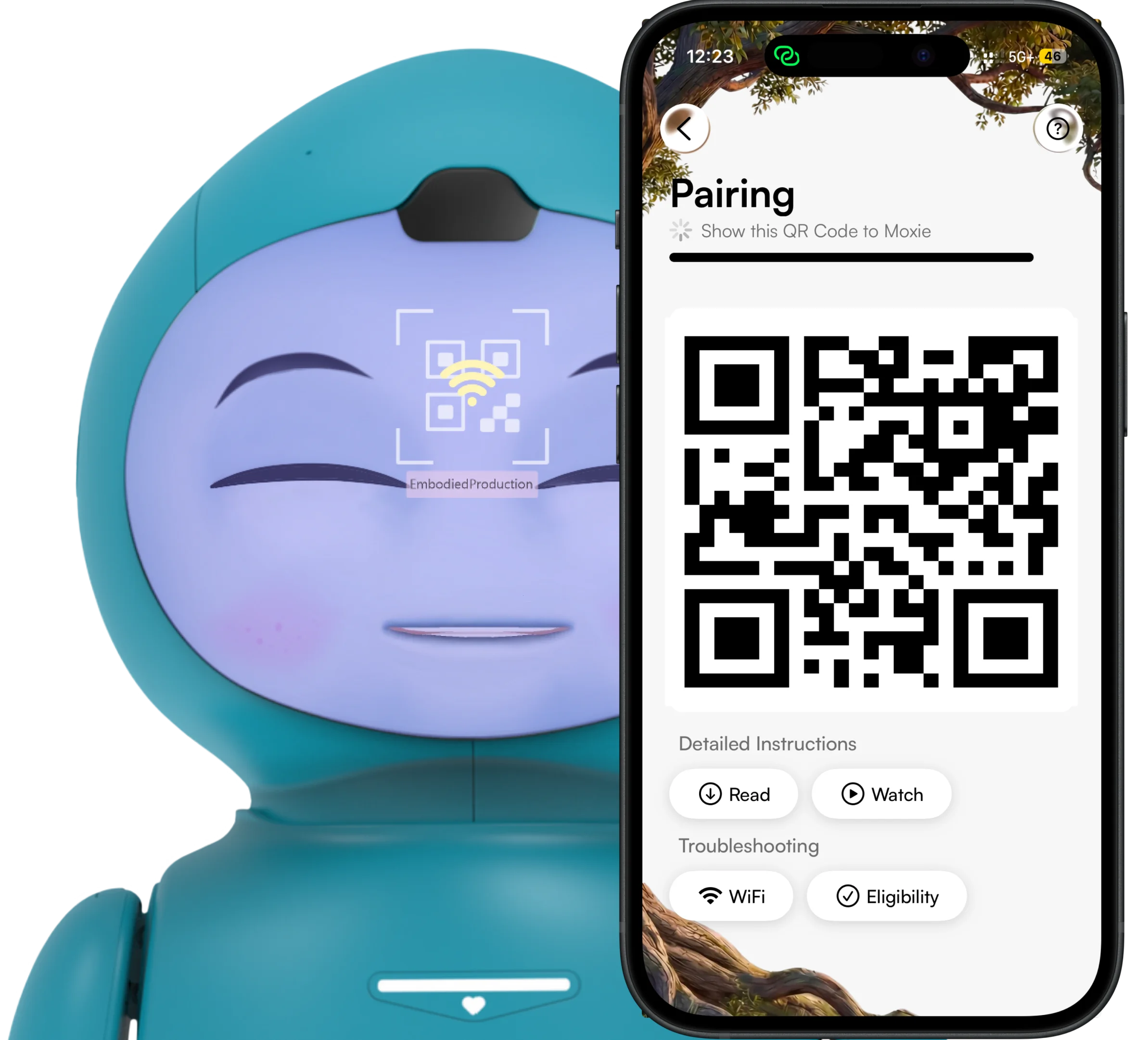
Step 1: On your device, open the Moxie app → Settings → Link Accounts. Keep the purple QR code displayed.
Step 2: On your child's device, download the Moxie Robot App, open it, select Link Account, and scan the purple QR code.
That's it! Your accounts are now linked and Moxie is ready to go. One account, one Moxie — shared between you and your child.
Link Account Kit
Scroll
Need Help?
If you run into any issues while linking accounts, reach out to us at hi@moxierobots.com