Pair Your Moxie
We're gradually rolling out access to pairing. If you don't have access yet, you will soon.
How to Pair Your Moxie
Step 1: Download the Moxie Robot app from the App Store or Play Store and complete the onboarding.
Step 2: Get your activation code and show the QR code to Moxie to pair.
That's it! Moxie will connect and be ready to shine ✨
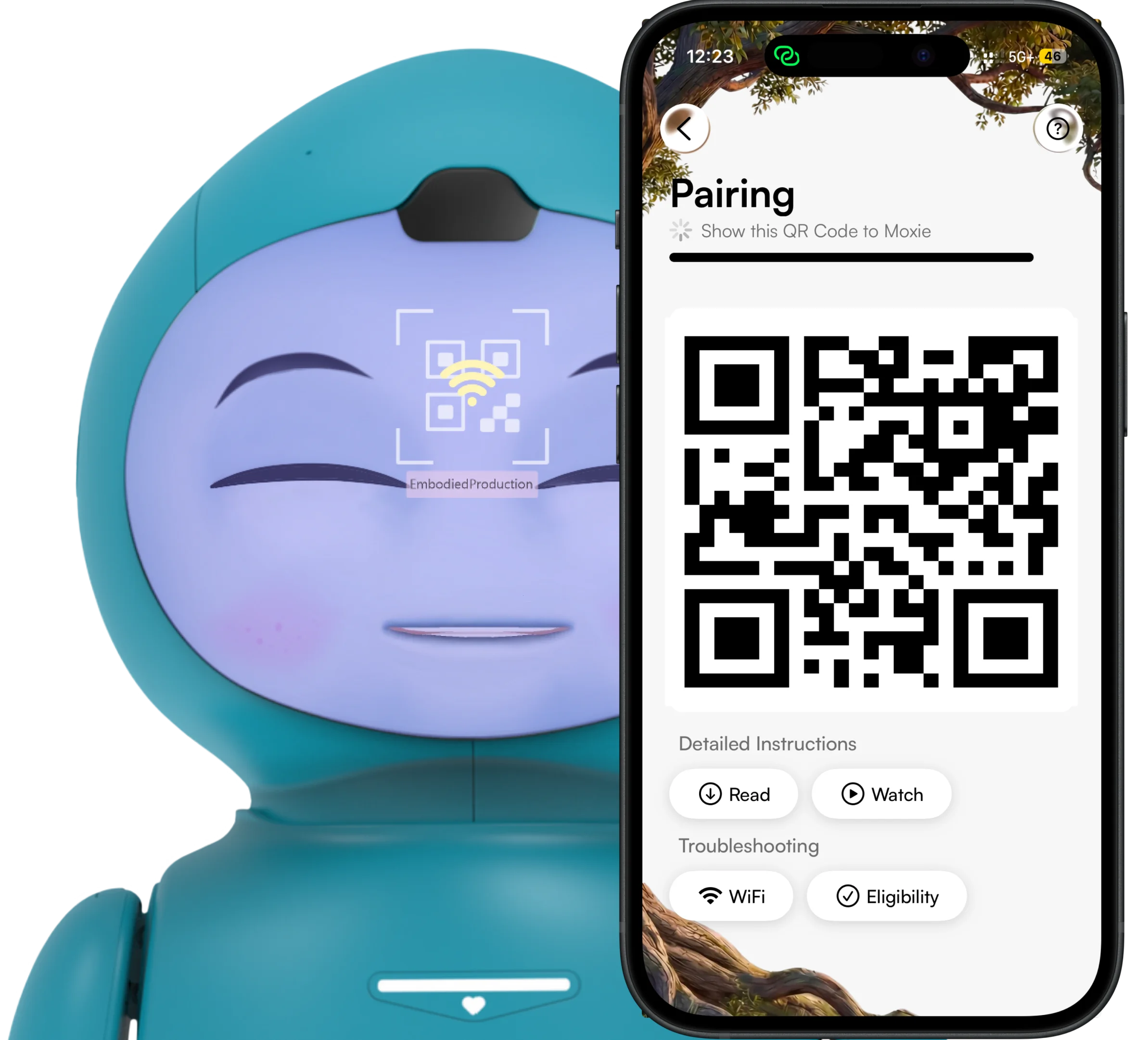
Pairing Kit
Scroll
Is My Robot Eligible?
Robots running on version v22.9.1501 (Sep 14, 2022) or above are eligible for pairing.
To check: Open the Moxie app → Tap Help (?) → Go to Diagnostics → Show the Yellow QR code to Moxie.
Note: ~5% of robots missed a critical 2022 update. If not eligible, contact us.
Frequently Asked Questions
Need Help?
If you run into any issues during pairing, reach out to us at hi@moxierobots.com